Blue Town
Update 4/26: I'm happy to say that this project was featured on Autodesk's Max product page: https://www.autodesk.com/products/3ds-max/overview?term=1-YEAR&tab=subscription&plc=3DSMAX
A personal project I started after being inspired by Thiago Klafke’s Spanish Town tutorials (https://www.youtube.com/watch?v=TUmiAdqMhD8). Always been a huge fan of that guy's work since back in the old Polycount days.
I challenged myself to make a bit of a larger environment than normal for my personal work. I began with design blockout, moved into architecting and color blocking, then spent a good while finishing and refiguring things that didn't work! This was far from a straightforward project since I was learning new things about UE5 and constantly redesigning so I revised it a ton.
The main goals here were to find the fun in executing and to spend longer on both the design blockout and designing the art. I didn’t look much at pre-existing concept art for this because I wanted to push my design skills using photo reference only and creating my own concepts/ideas to build from.
I greatly reduced my workflow complexity and increased my iteration speed by using fewer programs. For this project I cut down to 3 main dccs: 3DS Max, Substance Designer, and UE5.
Modeling: All modeling was done in Max only. One Megascans asset is used for rubble piles. It is not a nanite scene; all models are pretty simple low polys, boxes, etc. Gratuitous usage of edge normal decals: (https://www.artstation.com/artwork/l3wwa)
Texture: The scene is almost entirely textured with trims and tileables, including props. 99% of textures were made in Substance Designer (with some help from Clip Studio Paint for making a few fancier masks or hand drawn masks).
Level Art: Heavy use of UE's level prefab system. Heavy use of modular building. Heavy use of vertex paint. Not much nanite here; just rubble piles.
That’s all, folks. Thanks for reading and hope you enjoy. 🙂


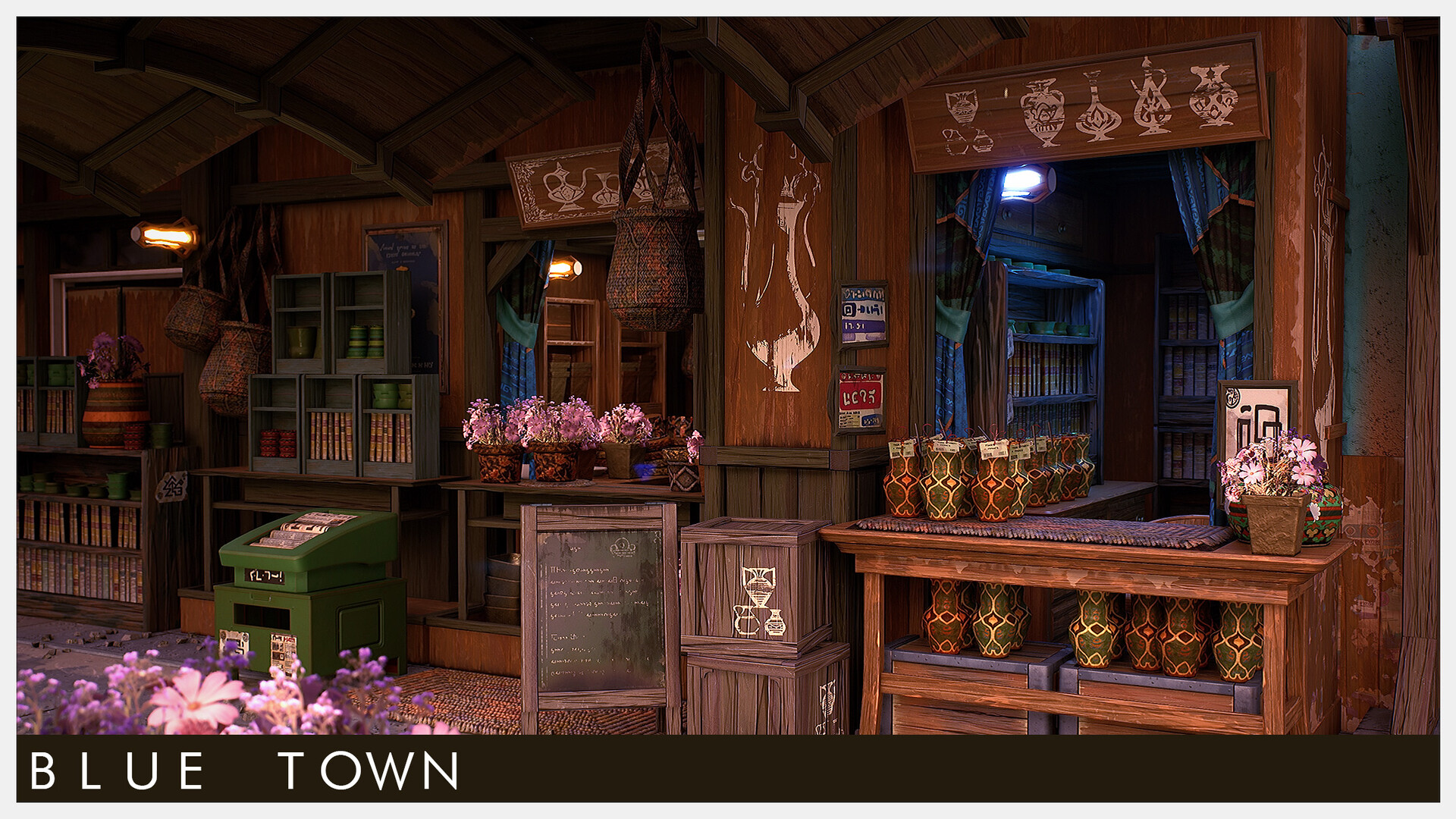
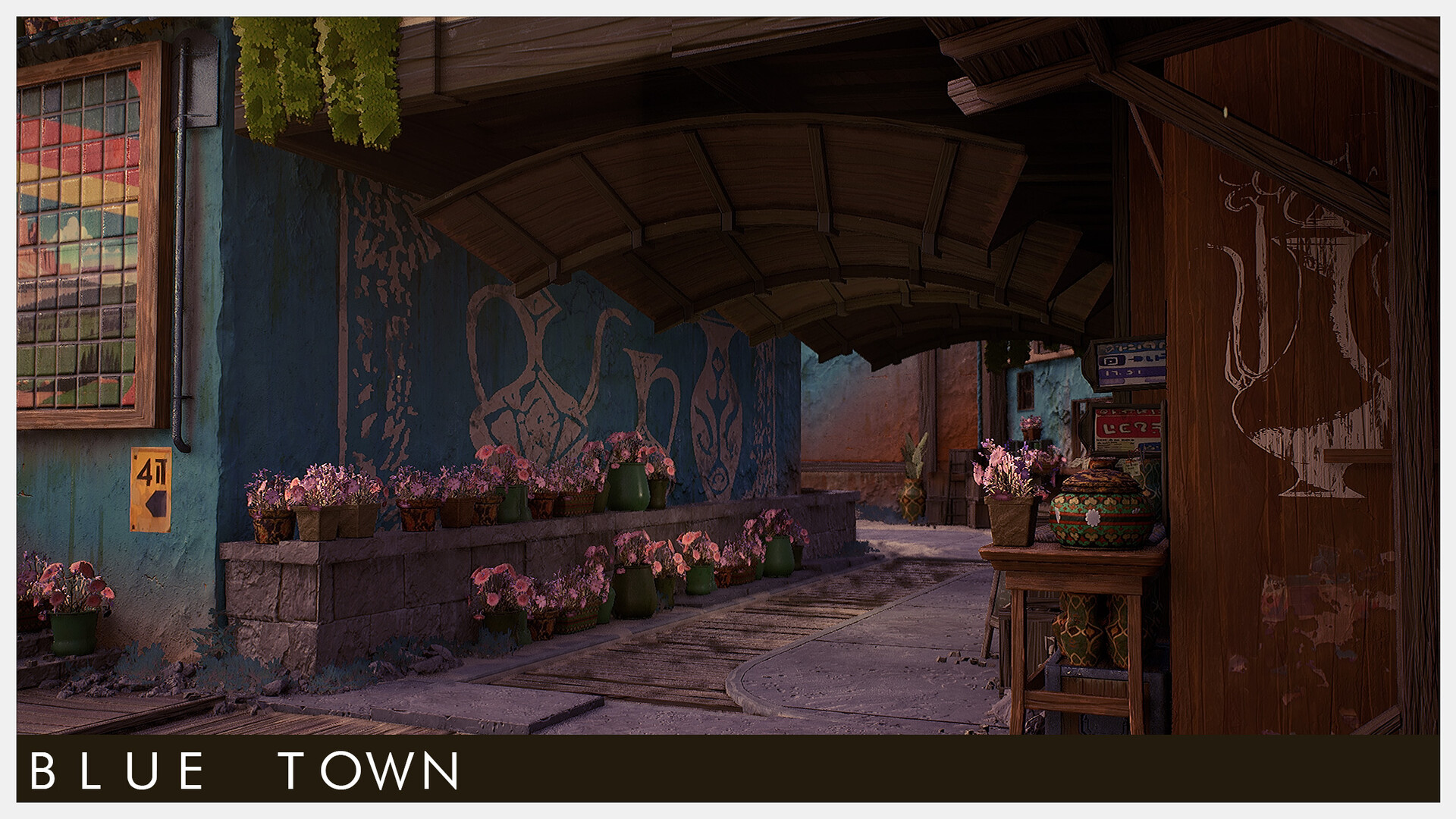
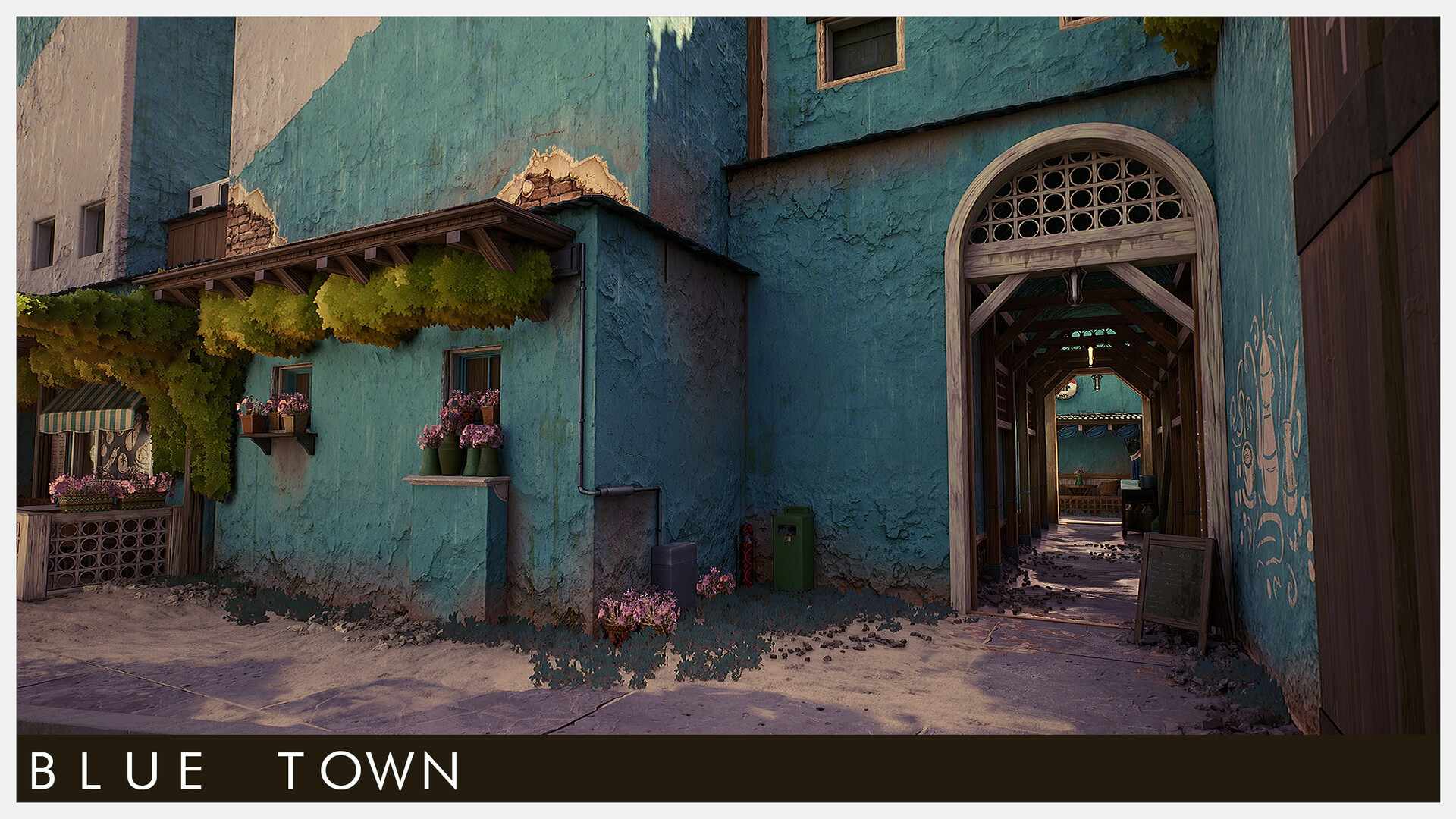


Detail lighting shots

Selected materials in UE5

Selected materials in UE5
Edge normal decal at work in Designer and Unreal
Using vertex paint for plaster relief and complimentary color. The color vertex paint is for adding gradients to otherwise large monotone colors on large walls and surfaces.
Plaster damage detail normal in Substance Designer
Plaster damage decal in Substance Designer
Macramé in Substance Designer

Macramé modeling for texture bake. One of the few 3D-sourced textures.
Decal coordinate w/dynamic threshold masking to break up the edges at any scale

Update:
This project was recently featured on Autodesk's 3ds Max product page! 🙂